Download
Tap the button above and wait for the complete APK. The site checks each part before saving it.
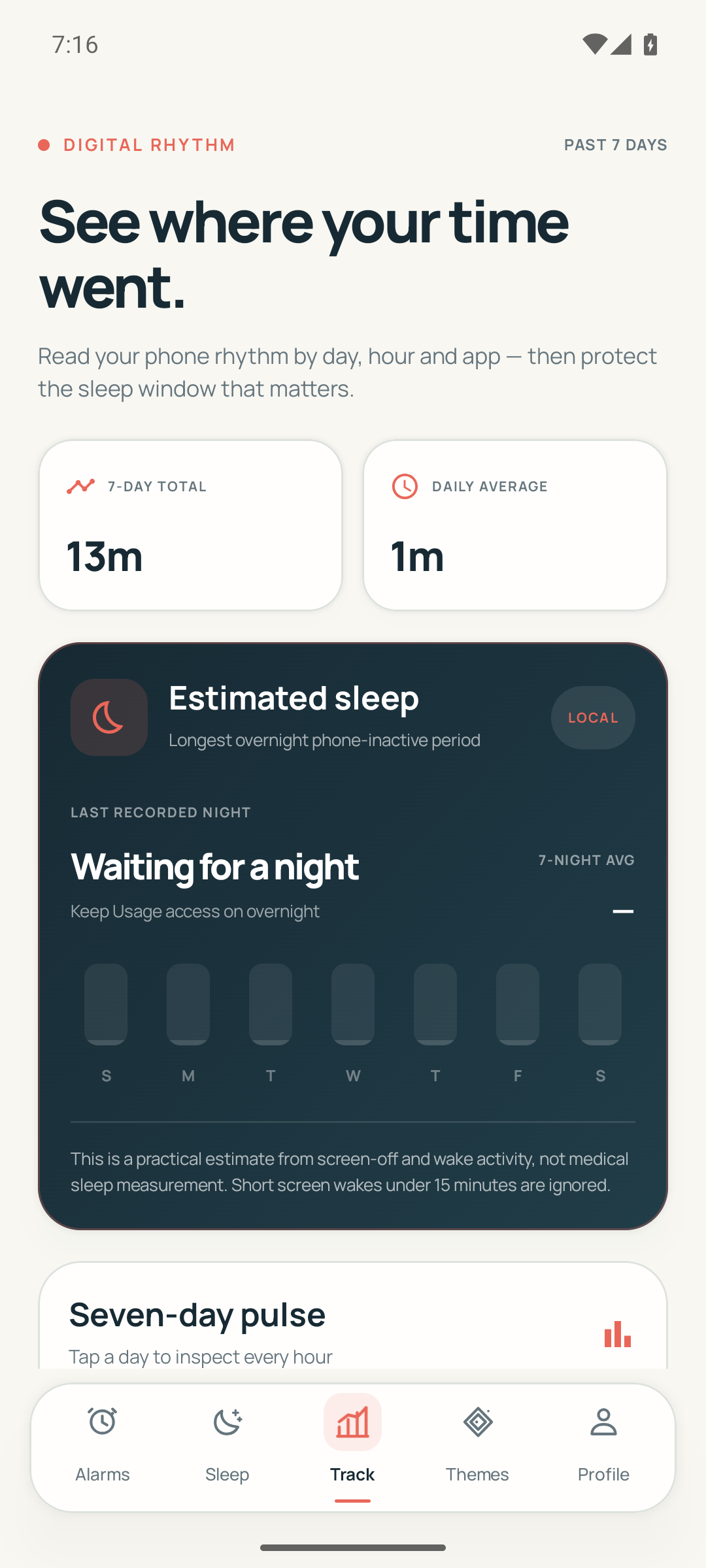
Download the latest signed Android app. A guided first-run setup prepares notifications, exact and lock-screen alarms, plus private Usage access. Track now visualizes seven days of phone use and estimates bedtime, wake time, and overnight sleep from on-device activity.
Direct download from this site. The file is checked during download.
345A7F2848C118AA1B59147BB5DCC1FF52D2D6B4388C6C4C3731E7CF9A9E3017This is the signed 1.14.1 direct-download build. Sleep duration is an estimate from phone inactivity, not a medical measurement. Test alarm delivery, volume, vibration, and motion behavior on your own phone before depending on it.

Tap the button above and wait for the complete APK. The site checks each part before saving it.
Find WakeOrbit in your Android Downloads and open the APK. Allow installation from your browser if Android asks.
Tap Next and choose your Google account, then make a test alarm, and practise the attention task and motion route before relying on it.
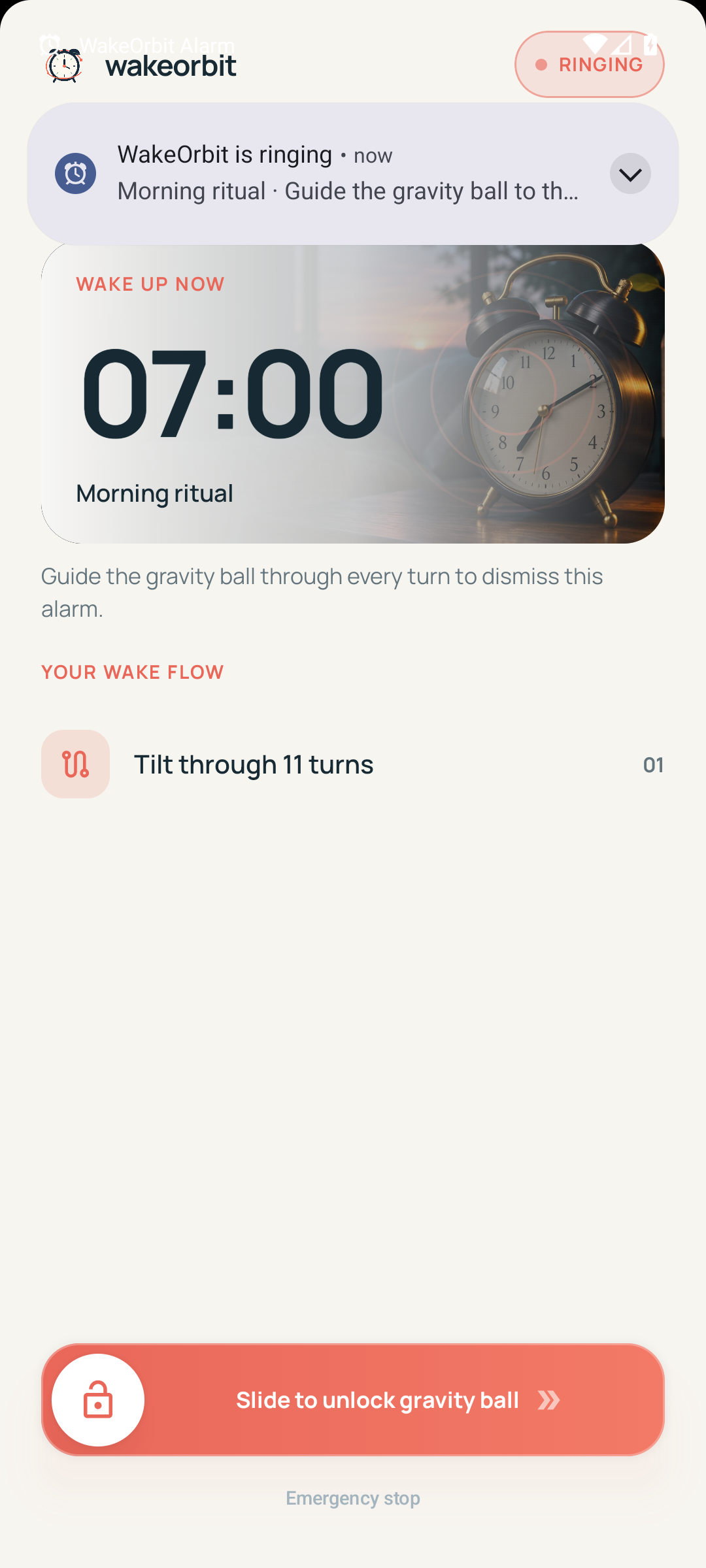
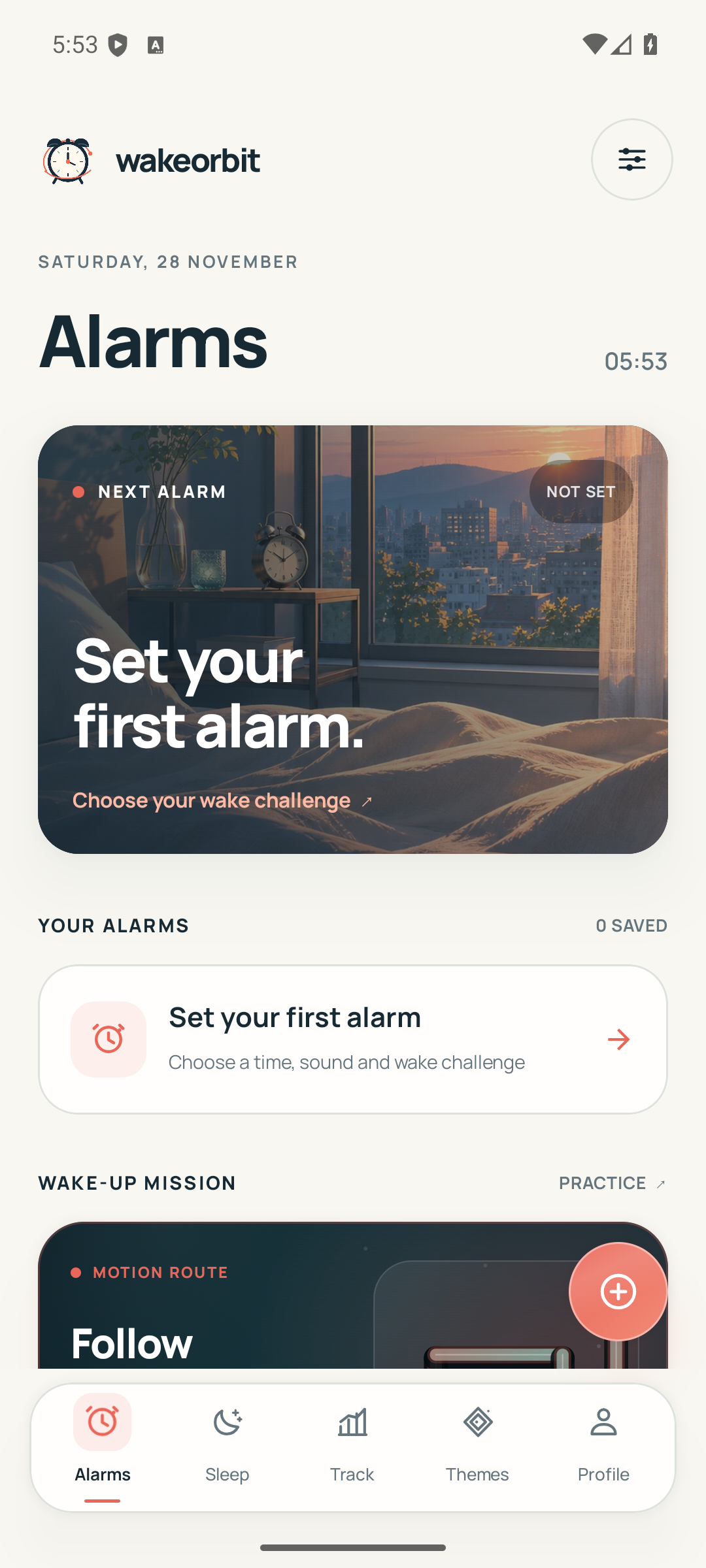
Native Android captures show the alarm list, full-screen wake flow, attention tasks, tilt route, Sleep library, Track dashboard, and themes. The displayed alarms and usage history use test data.
Explore app screens