01
Set your alarm
Pick your time, repeat days, and a studio-mastered alarm tone. The schedule stays on your device.
An alarm with a physical finish. Tilt through a connected four-direction route. If forward progress stops, the alarm comes back.
Three motion routes · Eight offline sleep sounds
Built for the moment you usually fall back asleep.

One sleepy tap. A camera that needs light. A photo that will not match. A sum you can solve with one eye open. Watch why we built a different wake route.
Original dramatized scenes show situations people may encounter. Results vary across devices and apps.
Choose an attention task, then move through the tilt route. Every alarm ends with a physical wake check. No camera or exercise routine.
Pick your time, repeat days, and a studio-mastered alarm tone. The schedule stays on your device.
Match card pairs, type two exact lines, or repeat a shape sequence. You can also go straight to the route.
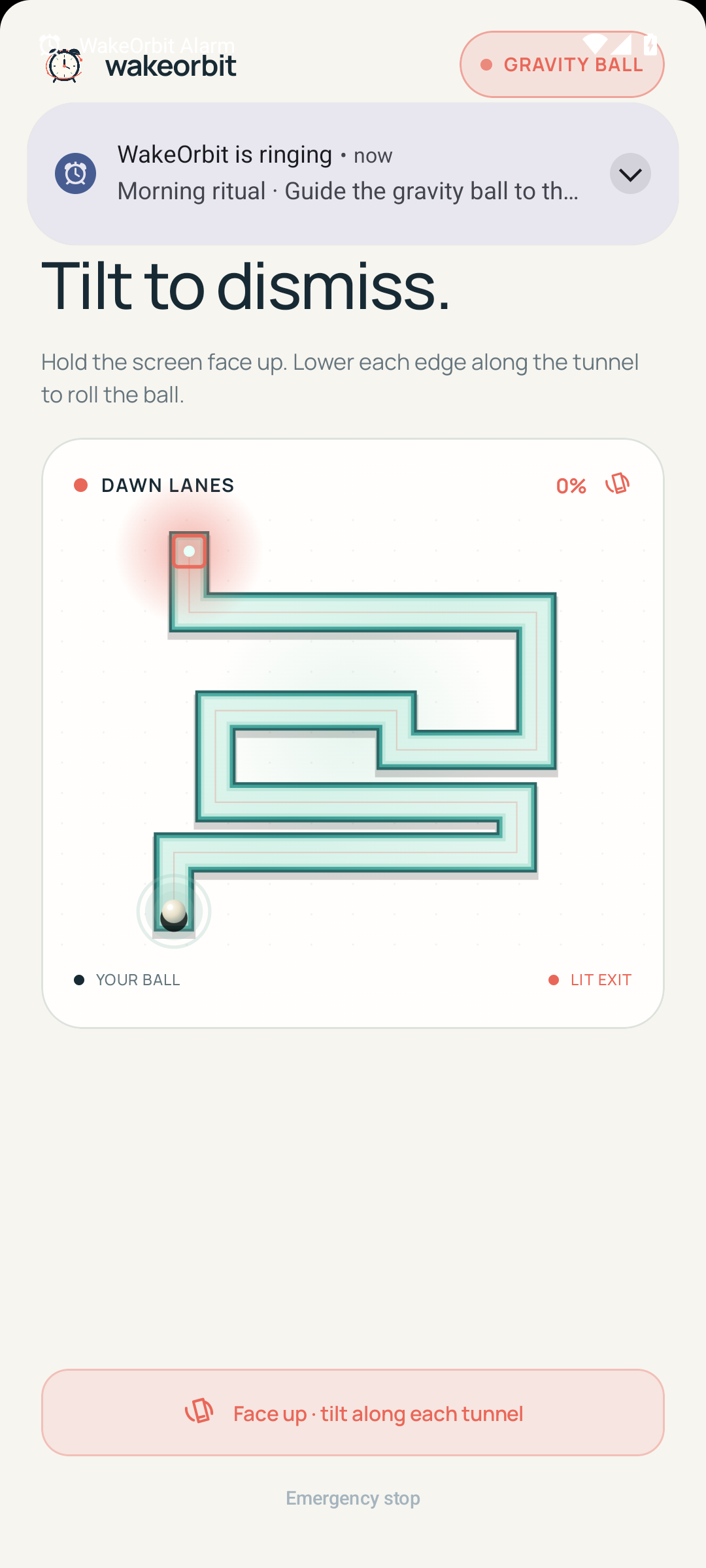
Rotate your phone up, down, left and right through eleven connected tunnels. Sustained wrong-way movement resets the route; a longer stall rings again.
Touch and hold the circular checkmark until it fills. Progress fades when you release; leaving it untouched restarts the alarm and route.
An emergency stop is available when you cannot safely complete a route.
Preview the new Dawn Lanes: eleven straight tunnels, a reverse turn and all four phone directions. The Android route responds to your motion sensors and keeps the ball inside the path.
Ten professionally mastered stereo alarm tones are available in the app. Preview four rebuilt studio sounds here, then choose your tone in the Android app.
Natural clock chimes with a spacious stereo finish.
A direct electronic alert built for urgent waking.
A wide mechanical bell with commanding impact.
A focused pager pulse with fast, clean repetition.

Fall asleep to eight soundscapes: rainfall, rain on canvas, rain on leaves, distant thunder, deep ocean, ocean shore, night garden and deep noise.
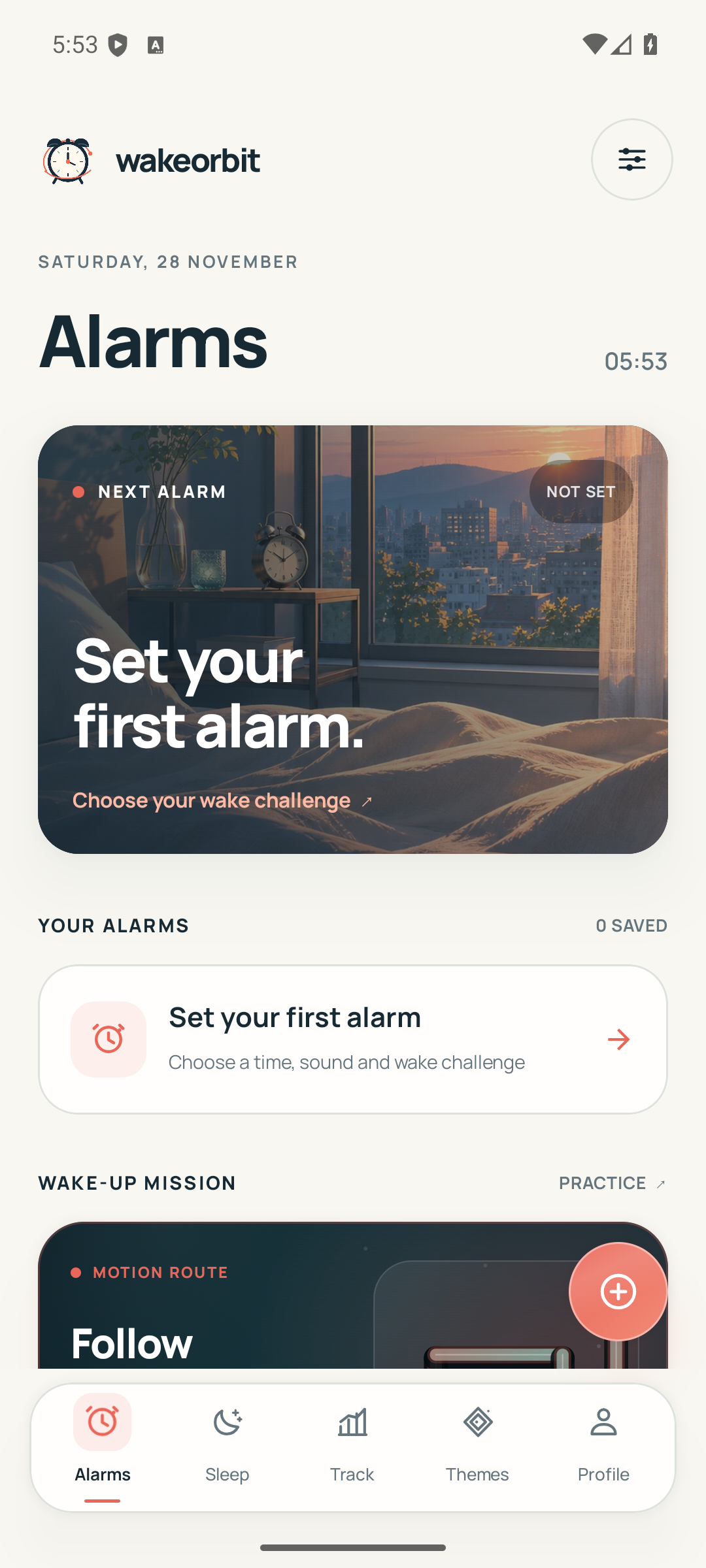
Native Android captures with sample data, one complete screen at a time. Swipe the phone or use the arrows to explore.
See the next alarm, live countdown and saved times at a glance.
SWIPE TO EXPLORE
Native Android emulator captures use sample data. Google sign-in requires Google services; physical-phone motion, vibration, and alarm delivery should be tested on the device you will use.
Nine original atmospheres, from quiet craft to cinematic Anime Dawn. Every theme is available, including six place-inspired collections.
Warm sunrise. Quiet precision.
A few practical answers about the Android preview.
Saved alarms, the motion route and the bundled sleep sounds work locally on Android. Google sign-in needs a connection when used.
The route gives you time to make forward progress without showing a countdown. Sustained wrong-way movement resets the route; a longer stall makes the alarm ring again. At the exit, touch and hold the circular checkmark until it fills. Progress fades on release, and leaving it untouched restarts the alarm.
Yes. The Android preview APK is available from the download page. It is a development build, and the Google Play release is still being prepared.
No. Device power, volume, permissions and manufacturer settings can affect alarms. Test an alarm on your own phone before depending on it.
Download the native Android preview and put your first alarm in motion.